
Skip to content
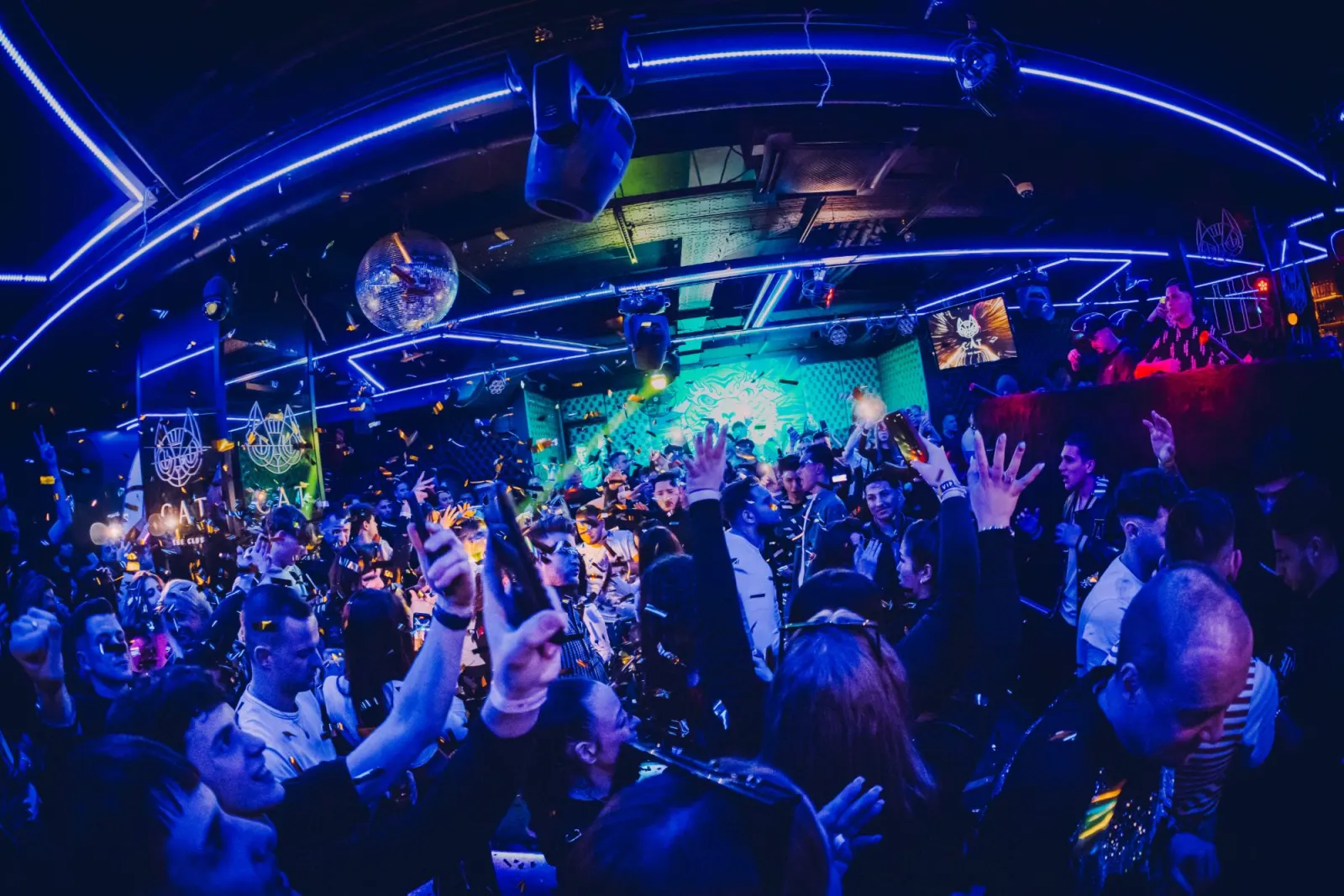
Crowd under blue neon and a mirror ball with confetti falling

Presets

Edits that survive the dancefloor.

Three packs, each built around one kind of light you meet at parties. Every pack ships with desktop XMP and mobile DNG files, an install guide and a short video.

Works withLightroom ClassicLightroom (cloud)Adobe Camera RawLightroom Mobile, iOS and Android

The packs

Pick the pack that matches your room.

Four friends posing for the camera under red neon tubes in a club
XMP + DNG

Preset pack

Afterhours

$29

The core party look. Direct flash, dark rooms, skin that stays skin.

  • 12 Lightroom presets for on-camera and bounced flash
  • Three strengths of each look: Clean, Punch, Grain
  • Mobile DNG versions for Lightroom on your phone
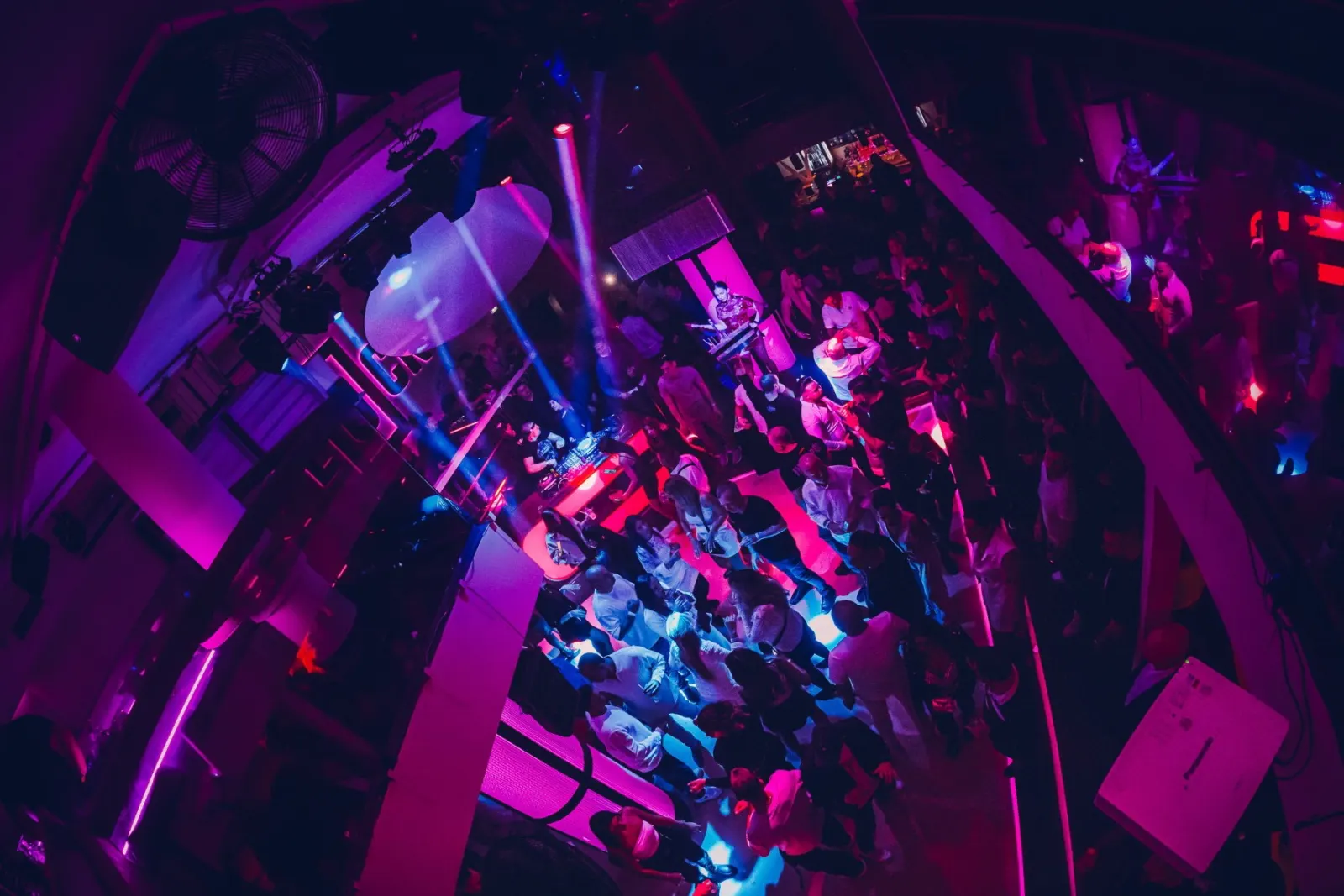
Overhead view of a dancefloor and DJ booth lit in magenta and blue
XMP + DNG

Preset pack

Neon Haze

$29

For LED walls, gels and smoke machines. Colour that holds instead of clipping.

  • 10 presets tuned for magenta, cyan and amber stage light
  • Haze-aware contrast that keeps depth in the smoke
  • Mobile DNG versions included
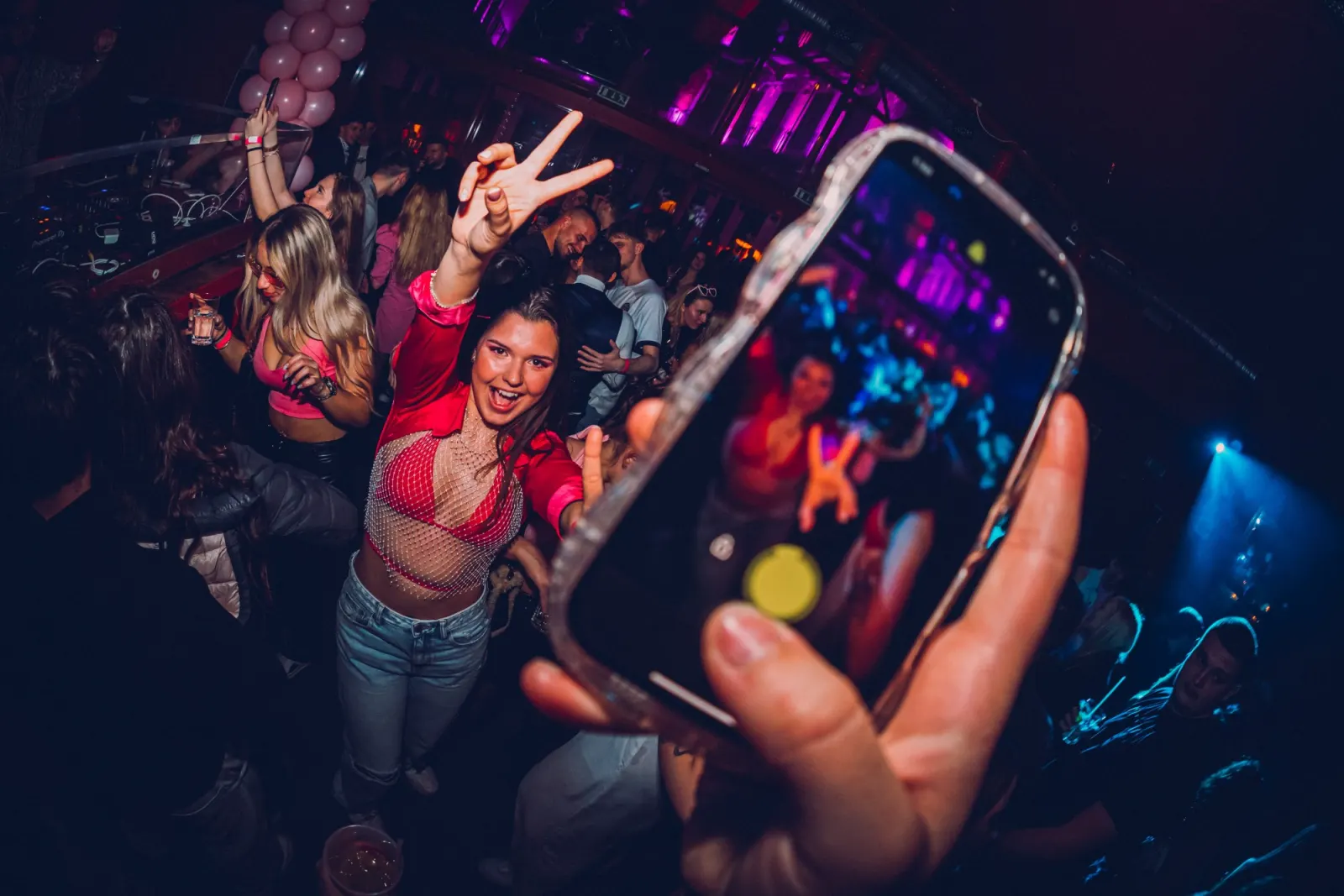
Woman in a red shirt throwing a peace sign at a phone held up to film her
DNG

Preset pack

Club Mobile

$19

Phone-first edits for same-night delivery straight from the venue.

  • 8 Lightroom Mobile presets built for phone RAW and JPEG
  • One-tap looks that survive Instagram compression
  • Quick-start video on installing on iOS and Android

The bundle

Everything on this site, one download.

All three preset packs and both guides, with every future update included. The cheapest way to own the whole system.

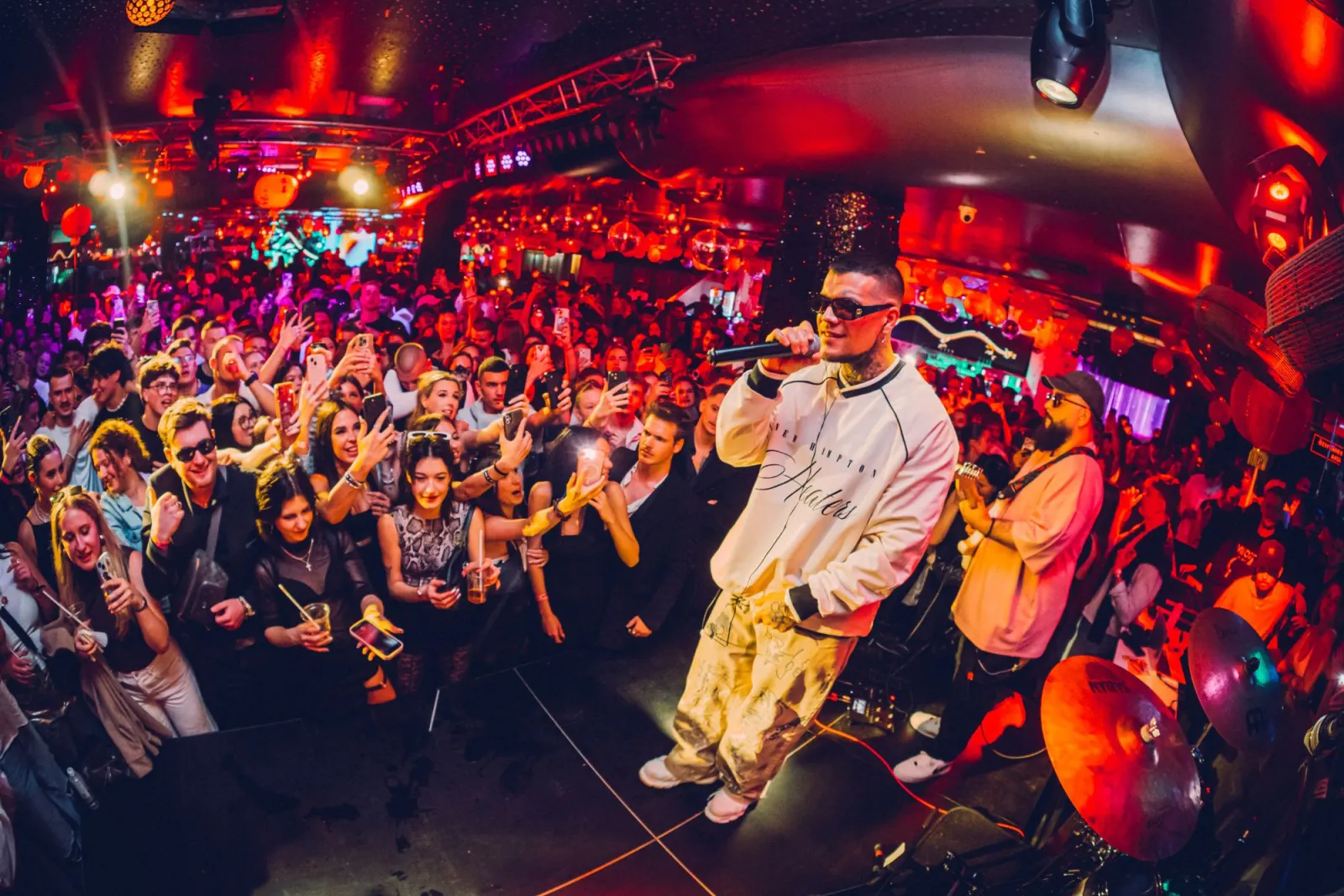
Rapper on stage in front of a crowd holding up phones under red light
XMP + DNG + PDFBest value

Bundle

The Whole Night

$79

$120

Every preset pack and both guides. Everything on this site, one download.

  • Afterhours, Neon Haze and Club Mobile preset packs
  • The Party Flash Playbook and Edit the Night, Fast
  • Every future update to these products, free

How it works

From checkout to first edit in ten minutes.

  1. Step 1

    Download

    Pay once on Whop. The zip appears in your Whop downloads and lands in your inbox.

  2. Step 2

    Import

    Desktop: File, Import Profiles and Presets. Mobile: open the DNGs and save each as a preset.

  3. Step 3

    Shoot, sync, deliver

    Pick a strength per lighting situation, sync across the set, fine-tune the odd frame.

Questions about compatibility or refunds? Read the FAQ